 Steamy
Your Steam library,
supercharged.
Steamy brings your installed games, downloads and tools like Steamless and Goldberg into one fast, beautiful workspace. Browse the full Steam catalog, queue downloads, and configure every tool — without leaving the app.
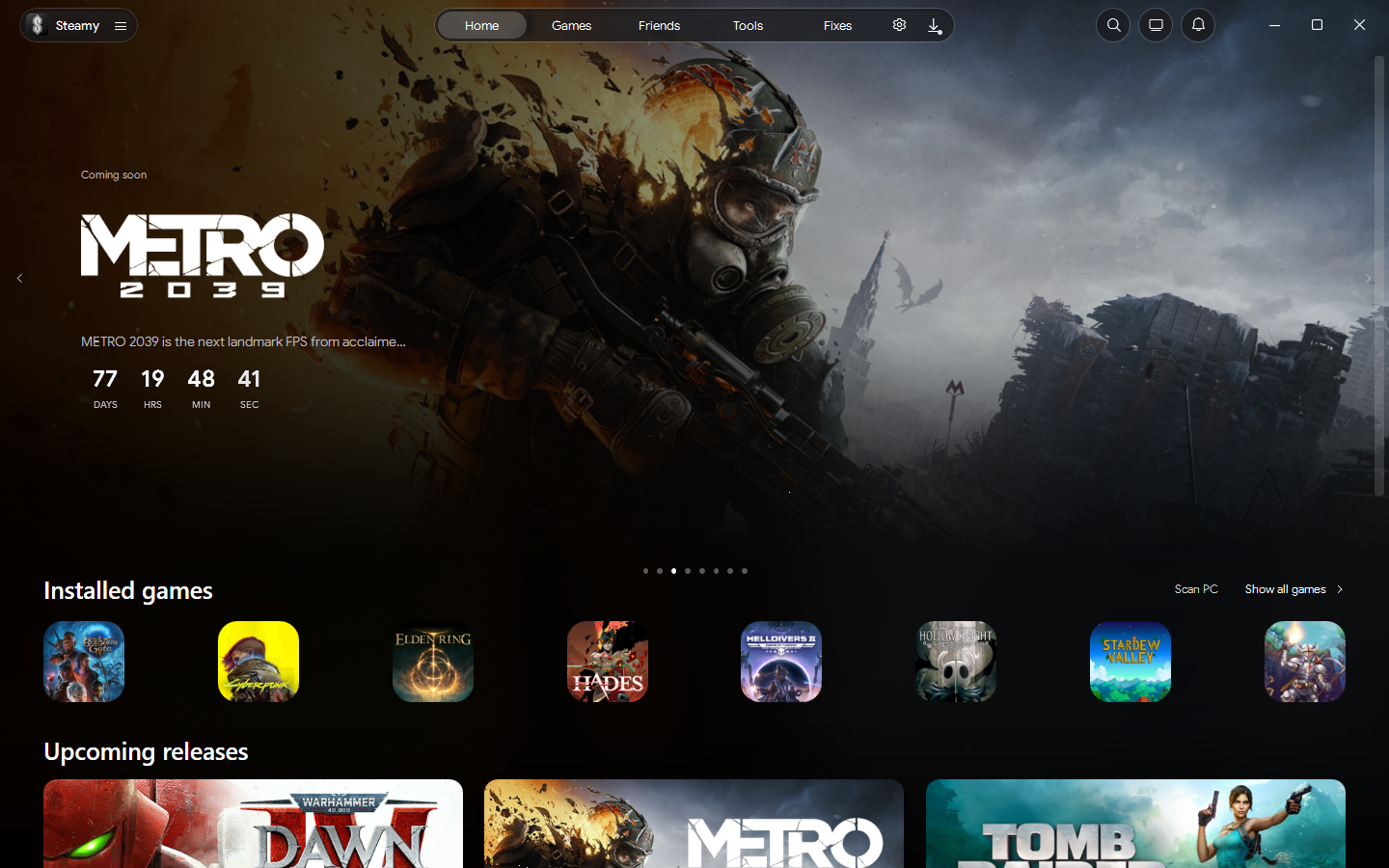
Featured on Steamy
A curated spotlight of new and upcoming Steam titles, refreshed from the same feed the app shows on its Home page.
One workspace for everything
Stop juggling the Steam client, a browser, a download manager and a folder of tools. Steamy pulls them into a single, keyboard-friendly interface.
Find and play your games
Steamy scans your Steam, Epic, GOG and standalone folders and lays every title out in a dense, artwork-rich library. Launch installed games, track play time, and keep notes and launch options per game.
- Grid and list views with instant search
- Collections and an emulated-games shelf
- Recommendations based on what you already play
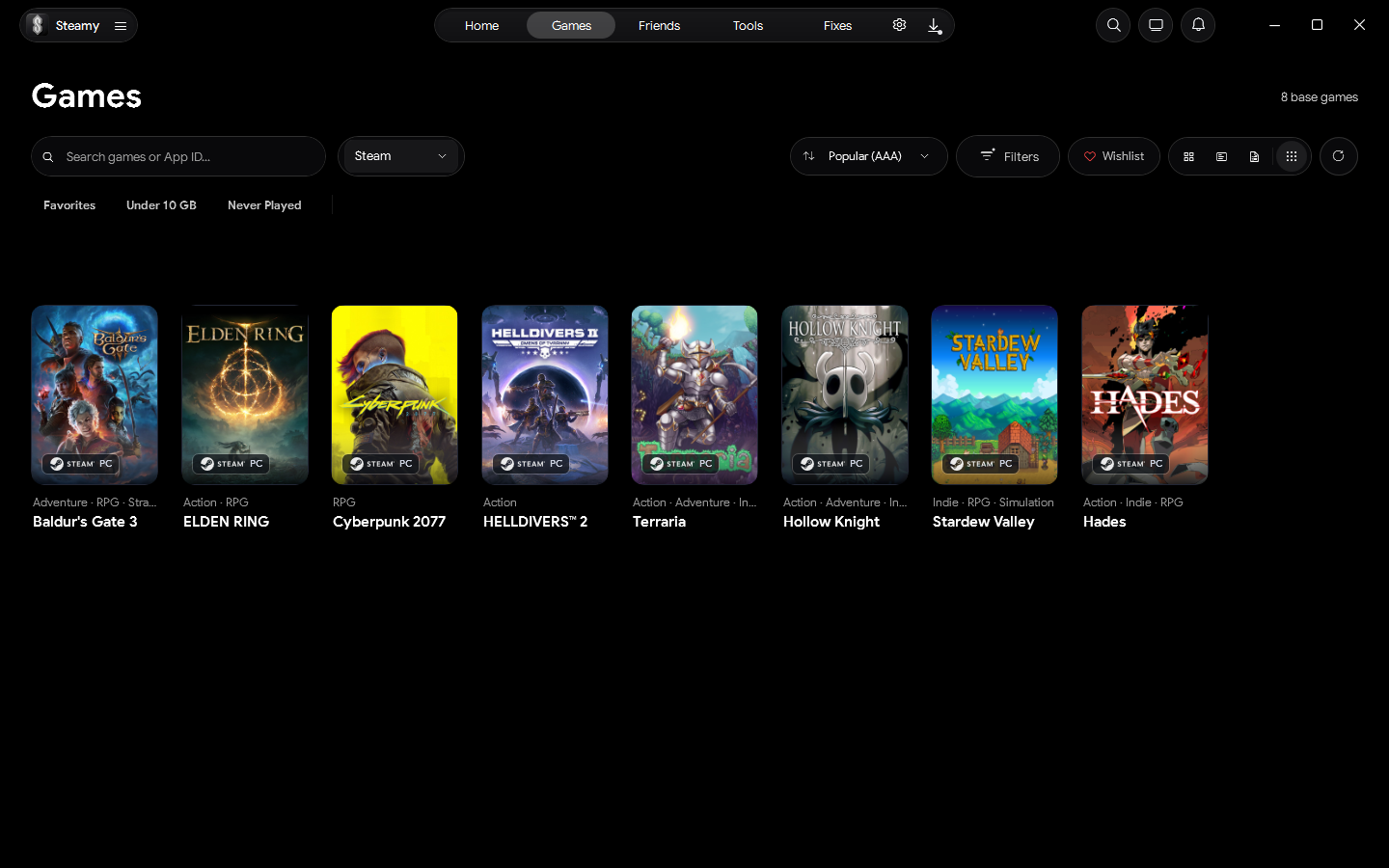
Every game, in full detail
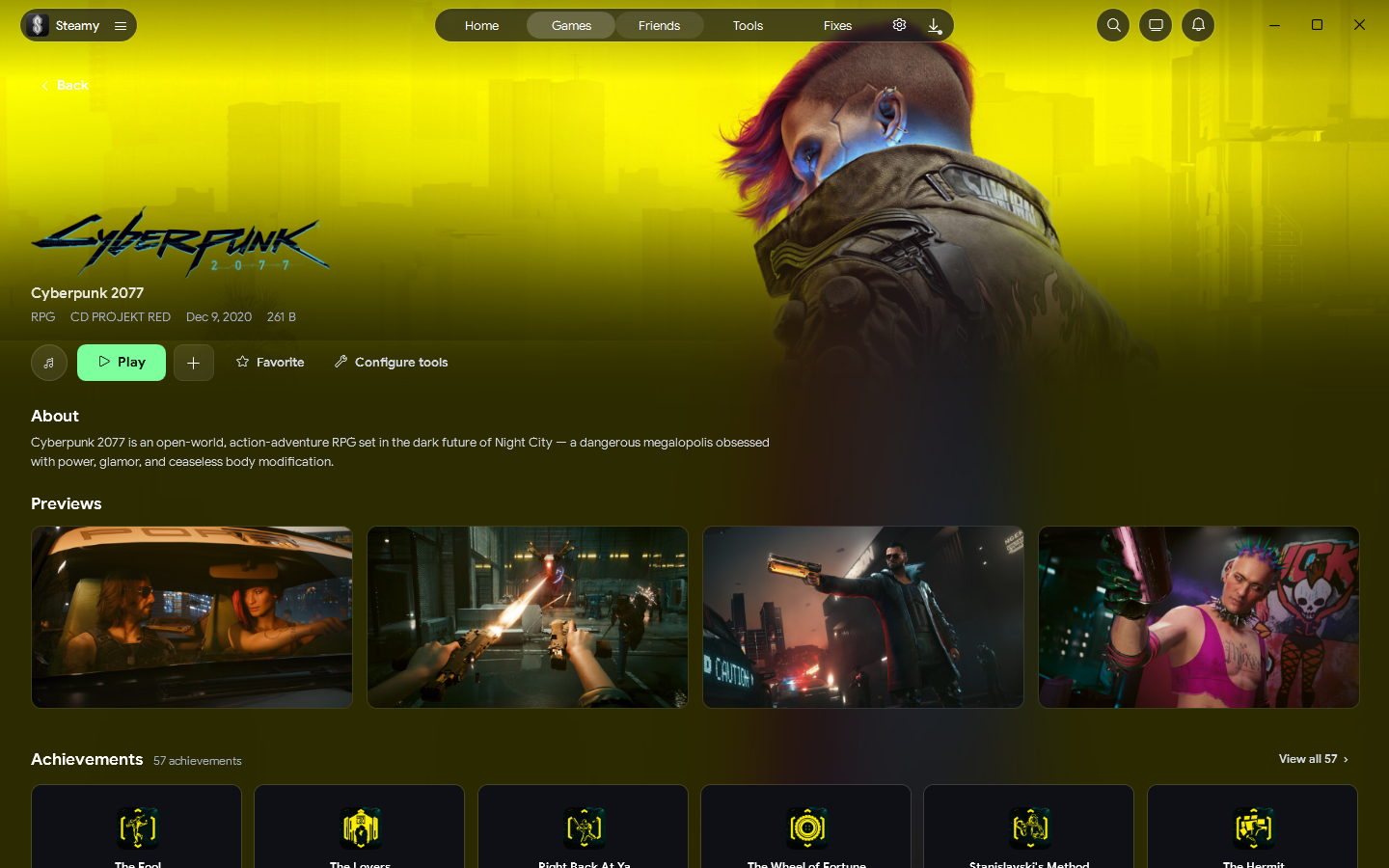
Open a title and get a cinematic banner that tints the whole page with the artwork's own palette — plus previews, Steam review summaries, achievements, developer info and system requirements.
- Screenshots, trailers and review scores
- Achievements, DLC and manifest tabs
- Per-game tool shortcuts right on the page
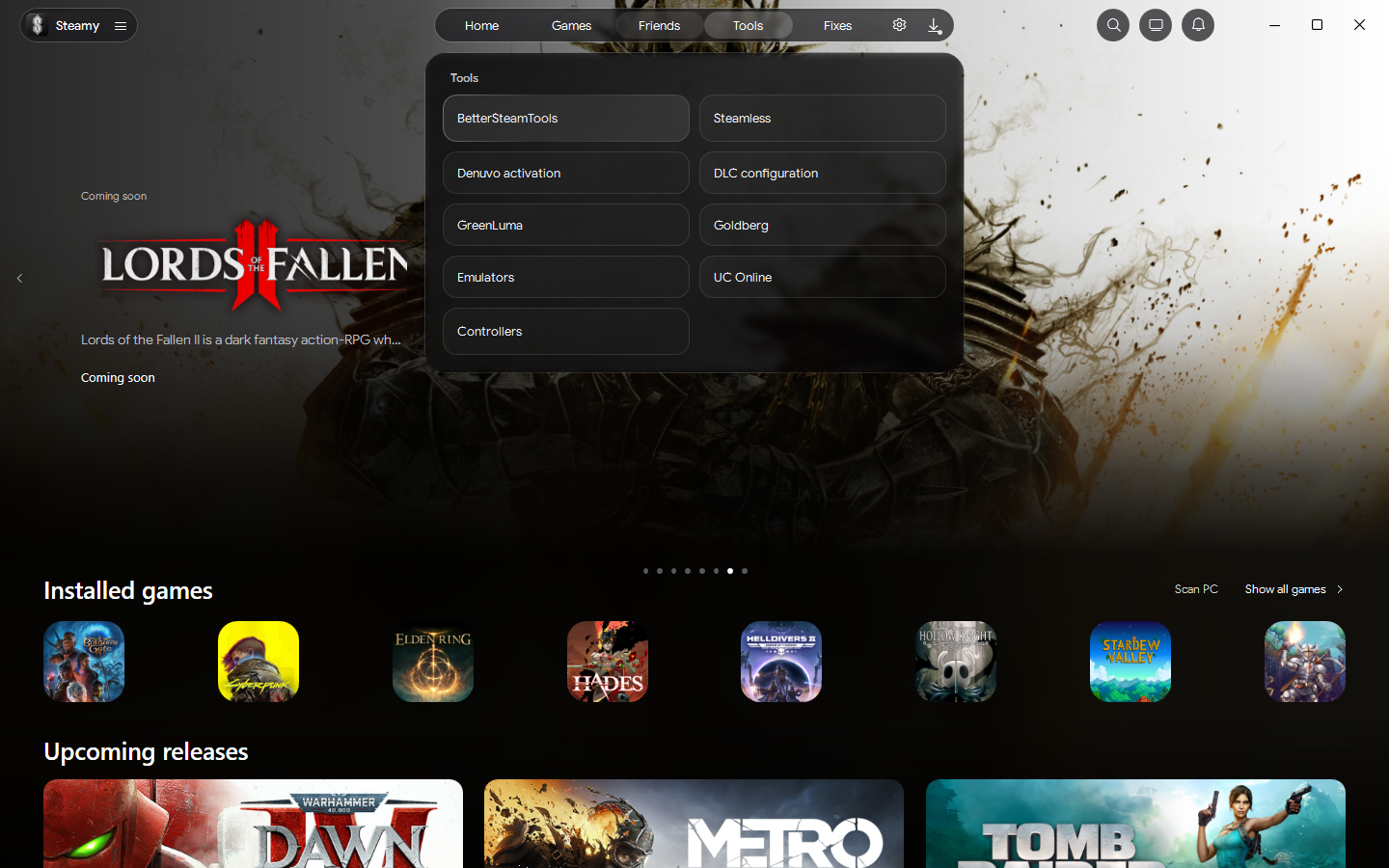
A guided toolbox, not a folder of exes
Every bundled utility gets a proper page — pick a game, choose options, press Run and watch live output. Depot downloads for titles you own run through a maintained queue with pause, resume and integrity checks.
- Guided per-tool pages with automatic backups
- Live tool output and provider health in one place
- Depot downloads with pause / resume for games you own
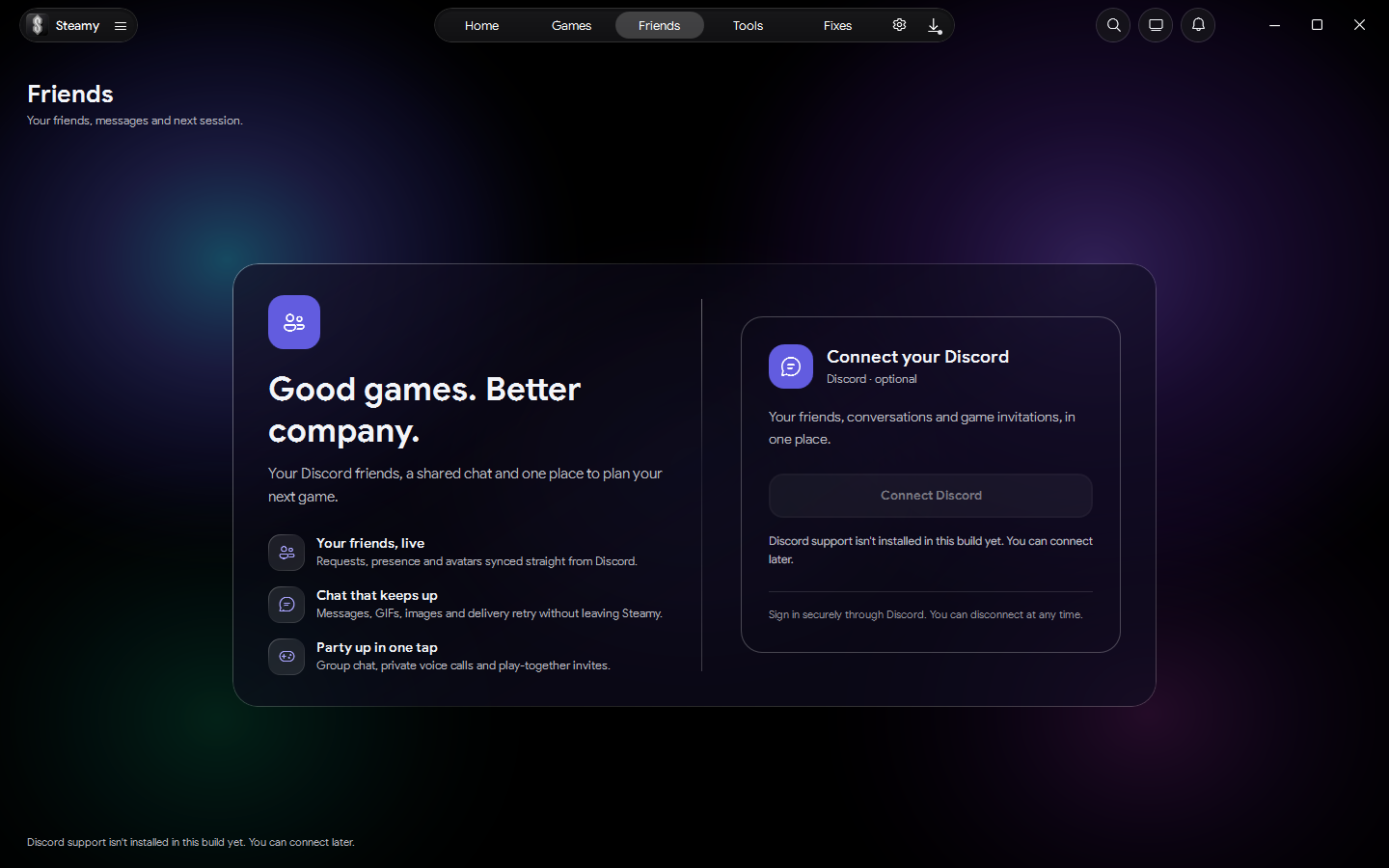
Your Discord, in the app
Optional Discord integration mirrors your DMs inside Steamy, with GIF and sticker pickers, rich presence and voice lobbies — so you can coordinate a session without alt-tabbing out of your library.
- In-app DMs with GIF & sticker pickers
- Rich presence and voice lobbies
- Fully optional — connect only if you want
Configure tools without the guesswork
Dedicated, guided pages for the tools PC players actually use. Each one ships with Steamy — no hunting for downloads or editing config files by hand.
Tools are provided for games and content you own. You are responsible for using them in line with each game's terms and applicable law. See the Terms of Service.
See it in action
Real captures from the app. Click any shot to view it full size.
Download Steamy
Free, open source and ready in minutes. Pick the guided installer or the portable build.
Steamy for Windows
Fetching the latest release…
Downloads are served from the official release mirror, and SHA-256 checksums are published with every release. View full download page & checksums →
System requirements
- Windows 10 or 11, 64-bit
- .NET runtime included in the portable build
- Steam client installed for library integration
- Internet for catalog, downloads and updates
Portable tip: extract the ZIP and run Steamy.exe. Keep the extracted files and the Tools folder together.
Join the conversation
Discord
Chat with other Steamy users, get help, share feedback and hear about new releases first.
Join the DiscordGitLab
Read the source, follow development and browse every release with its checksums on the public mirror.
View the repositoryFound a bug or have an idea?
Send a note straight to the maintainer. Bug reports, feature requests and questions all land in one inbox.